01
Plan
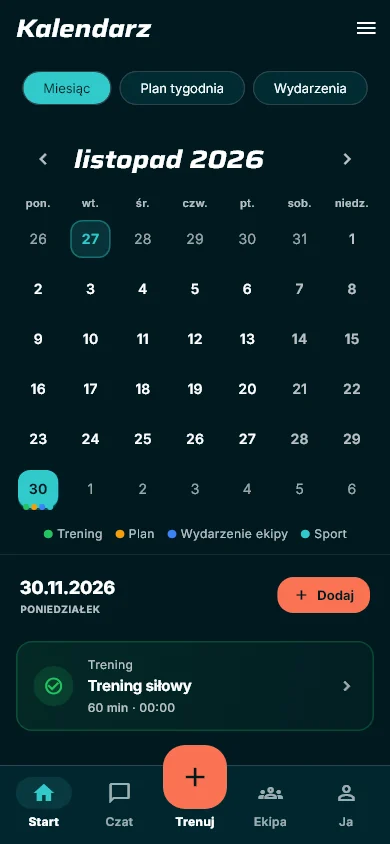
A weekly plan with days and exercises, or a workout for a specific date. The calendar shows plans, finished workouts and crew events.

YOUR TRAINING. YOUR CREW.
Make every set move you forward. Plan your training, log the effort and see your progress. On your own or with people who move with you.
How it works
No notebook, no guessing what you did last time. Plan, log and results in one place — on your phone and in the browser.
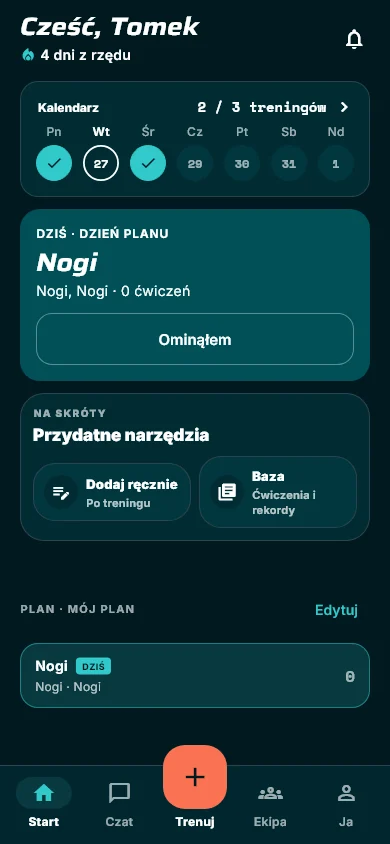
A weekly plan with days and exercises, or a workout for a specific date. The calendar shows plans, finished workouts and crew events.
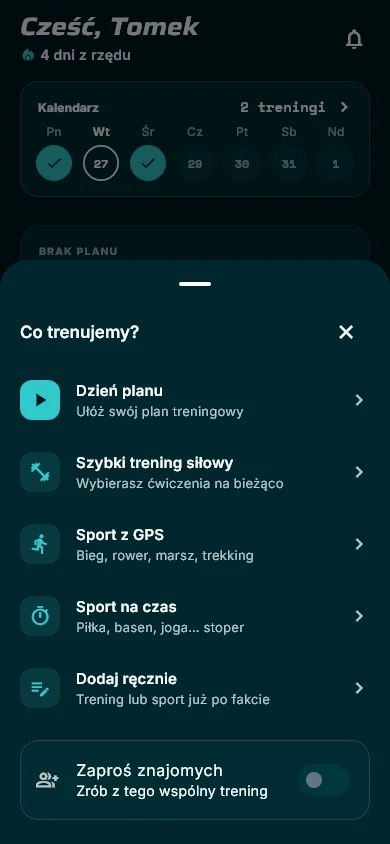
Plan day, quick workout, GPS or timed sport. Log weight, reps, RIR and warm-ups, a timer keeps your rest, and you can dictate sets by voice.
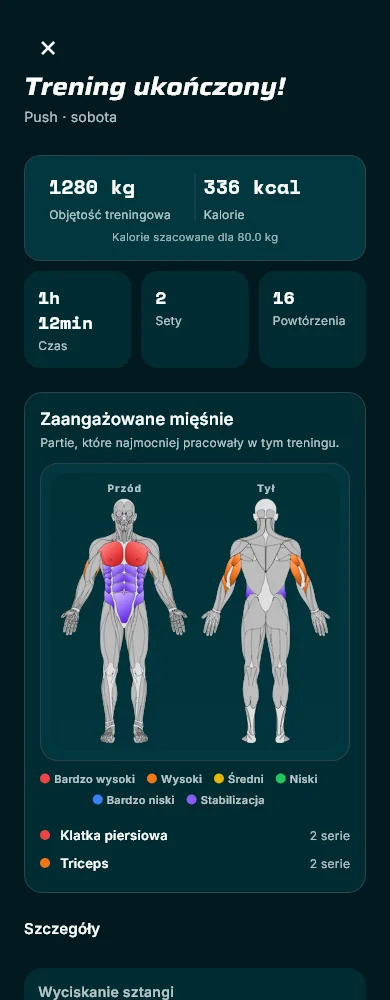
After the workout: volume, time, calories and the muscles that worked. Records update themselves and charts show the trend week by week.
Features
Twelve things you use every day. See all features
Training days with exercises, sets, reps and rest. The app suggests today’s workout.
Planned and finished workouts plus crew events in one month view.
Weight, reps, RIR, time, warm-ups and a rest timer. Your last result is right there.
Say “80 kilos eight reps” instead of typing with sweaty fingers.
Polish and English names, muscle groups, favourites and your own exercises.
The heaviest set of every exercise, calculated automatically.
Exercise progress, volume, months and weekdays.
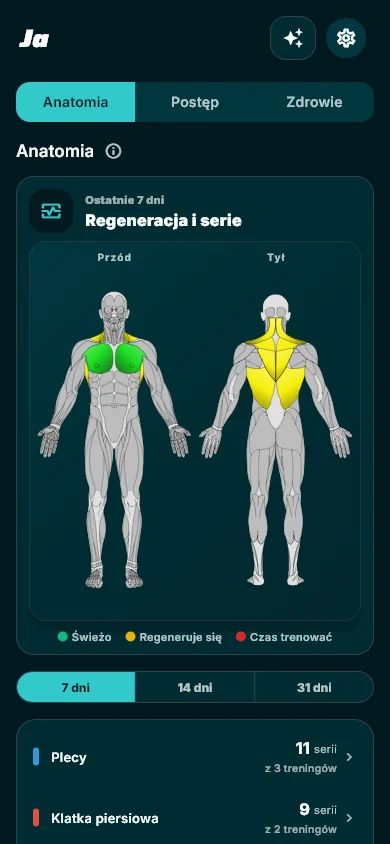
Front and back: engagement per workout and 7-day recovery.
Health Connect: weight, sleep, heart rate and HRV feed recovery.
Run, ride or walk with a route, or timed sport: football, pool, yoga.
Your results as short swipeable stories.
Export and import history in the app, CSV in the web panel.
Screens from the new app design, with fictional data.
For crews and gyms
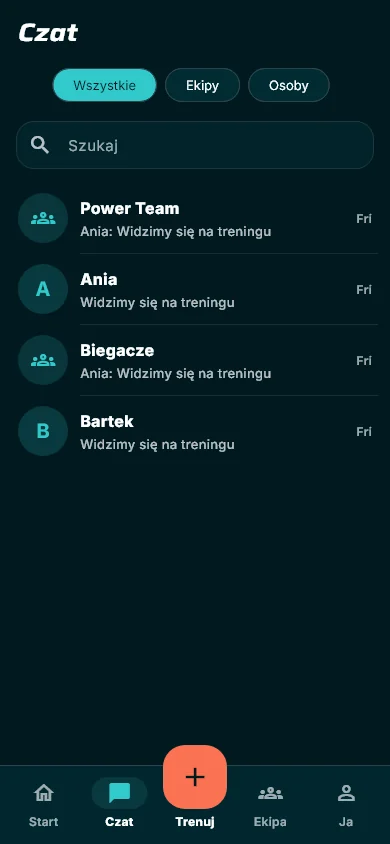
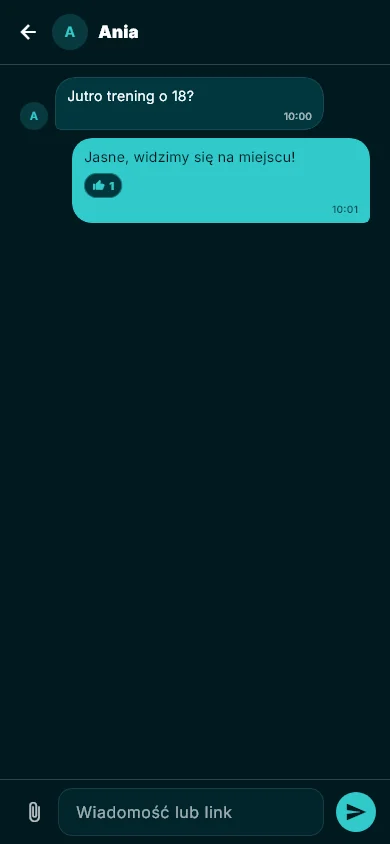
Set a session, collect sign-ups and talk in one place. Everyone sees their own progress and the crew’s energy.
Create a public crew, post classes as events with a place limit and approval, and members sign up in the app or on the web. Get in touch
Muscle map and recovery
After a workout you see the groups that worked hardest. Day to day — which are freshly tired and which are ready for the next session.
A planning visual, not a medical diagnosis. Atlas: Ryan Graves / flutter_body_atlas, CC BY 4.0.
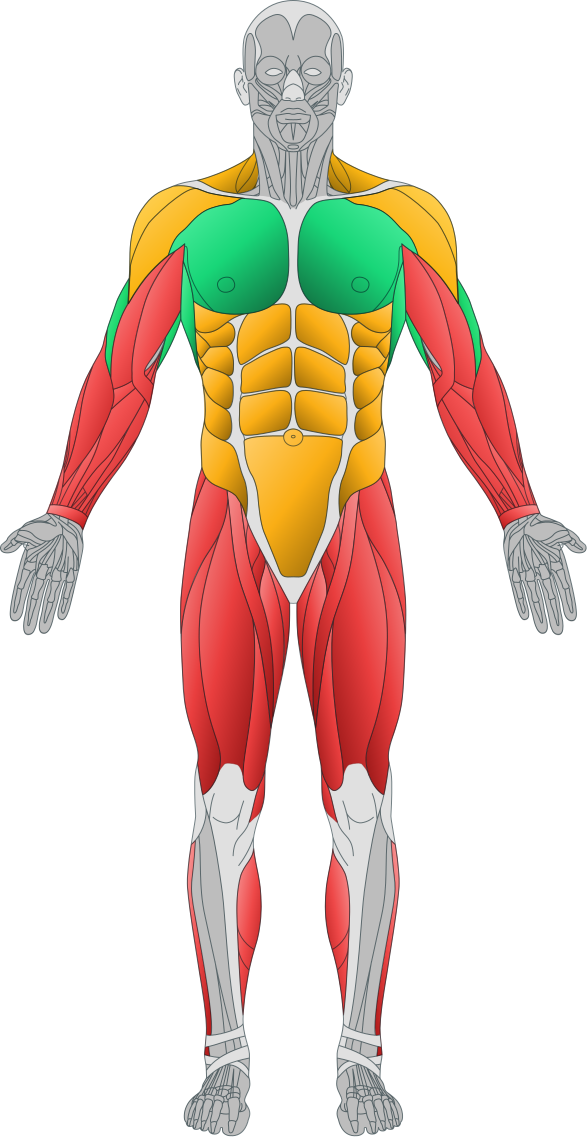
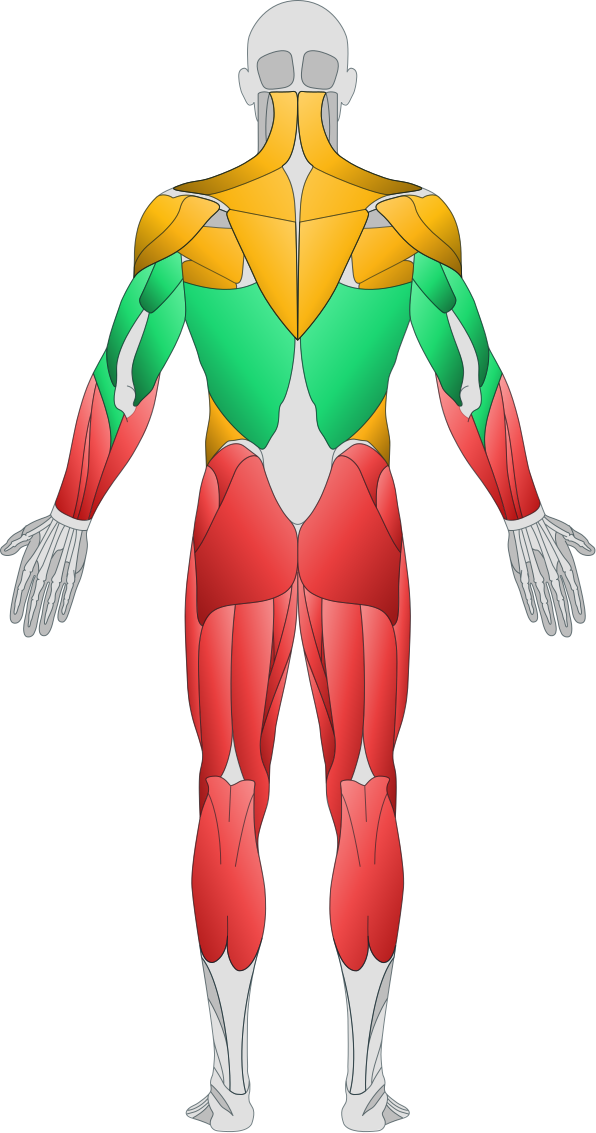
freshrecoveringtime to train
Records and progress
Records need no clicking. Log a set and the system checks whether it is your best.
Web panel
Your phone stays at the gym. Planning, fixes and analysis — on a big screen, on the same account.
07 / GO Push IT
A deep teal tee and a navy tank top. One mark. The GO Push IT collection moves beyond the screen.
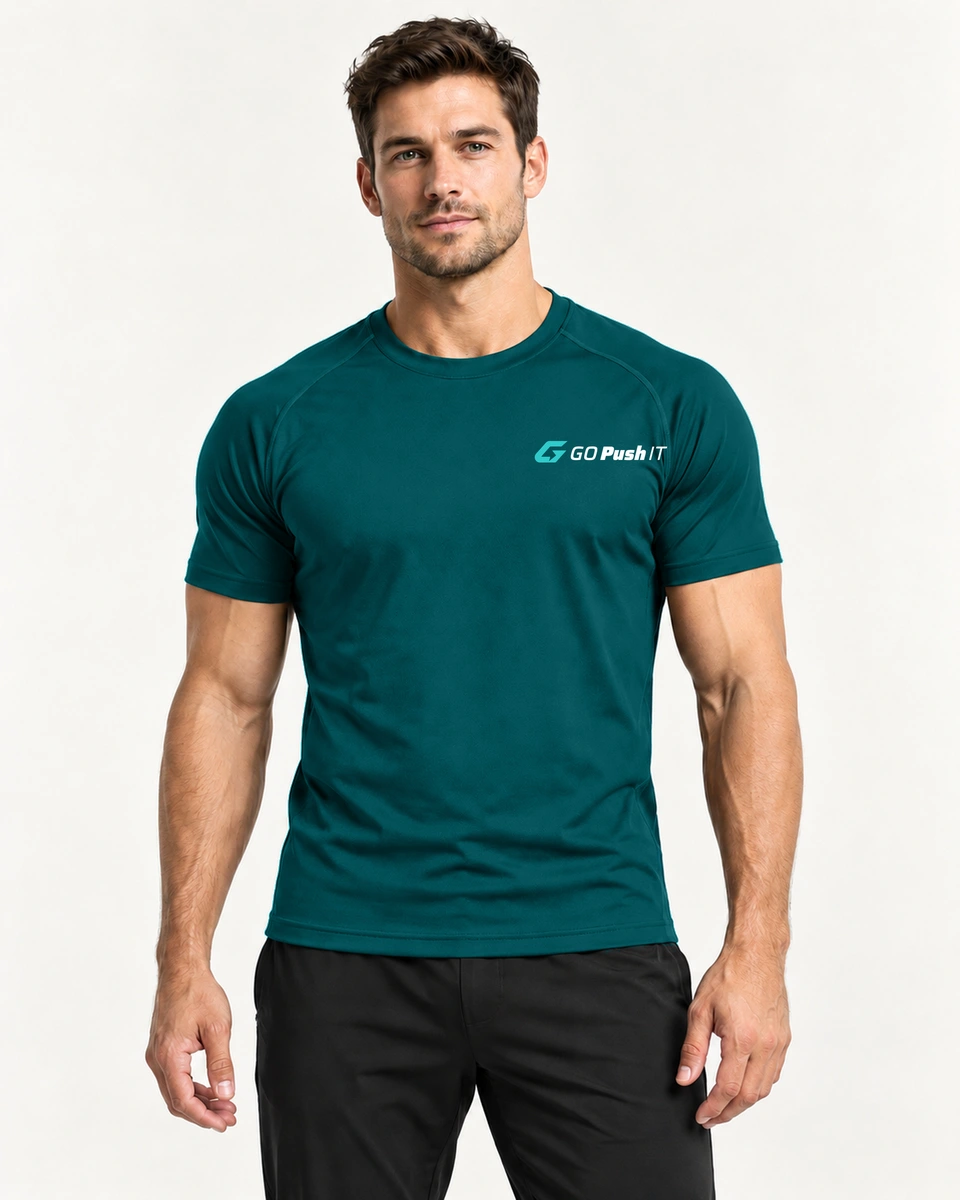
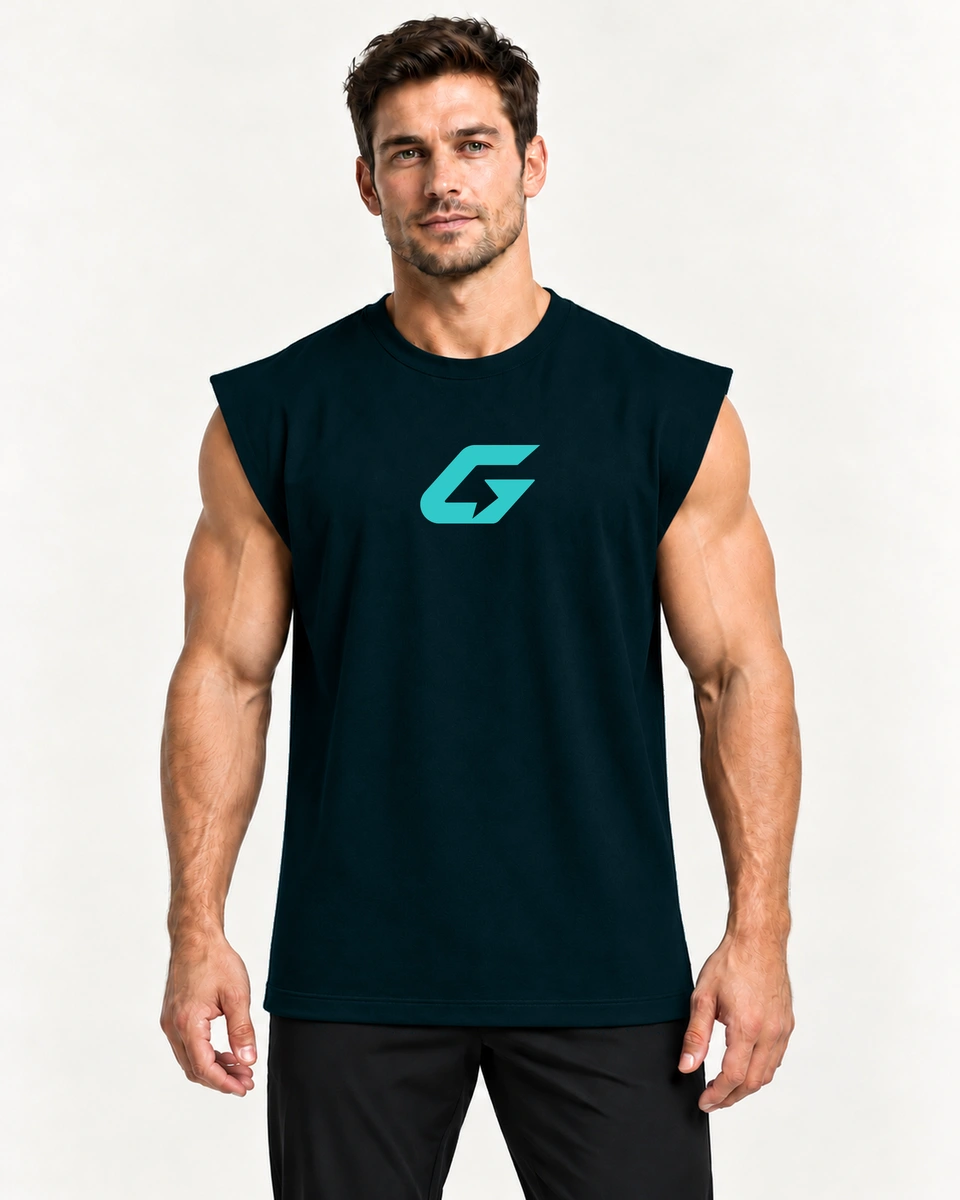
Concepts, not yet on sale. Fabric, sizes, prices and launch date will follow.
Explore the collectionFAQ
More in the full FAQ.
Yes. It is one account: log in with the same email and password as in the app. New accounts are created in the app; on the website you only log in.
Yes. Add a workout after the fact, add sets, fix weight, reps, RIR and time, replace or remove an exercise. Every change shows up in the app straight away. A workout being logged on your phone right now stays read-only on the web so nothing gets overwritten.
Yes. Crew and private chat updates live, and you can create, edit and join events. Photos and videos from chat open in the app.
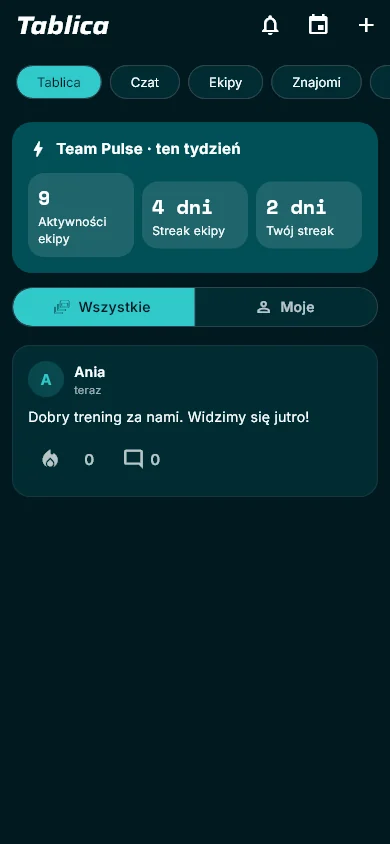
Friends and members of your crews see workout posts on the board — as in the app. Nobody but you can change your data. Health readings, weight and sleep are not shown to others.
The database recalculates them after every set: the heaviest working set of an exercise, or for bodyweight exercises the most reps or seconds. Warm-ups do not count.
It uses sets from the last 7 days. A freshly trained group is green, then turns yellow and red when it is ready to train again. Legs fade slowest (3 days), forearms fastest (1 day). It is a planning hint, not a diagnosis.
No. Everything works without one. If you connect Health Connect, the app also takes sleep, heart rate and HRV into account for recovery.
We are preparing the Google Play release. The link will appear here once the app is available.
MAKE YOUR MOVE.
Log in with your app account. New accounts are created in the GO Push IT app.